Connect Amazon
Steps
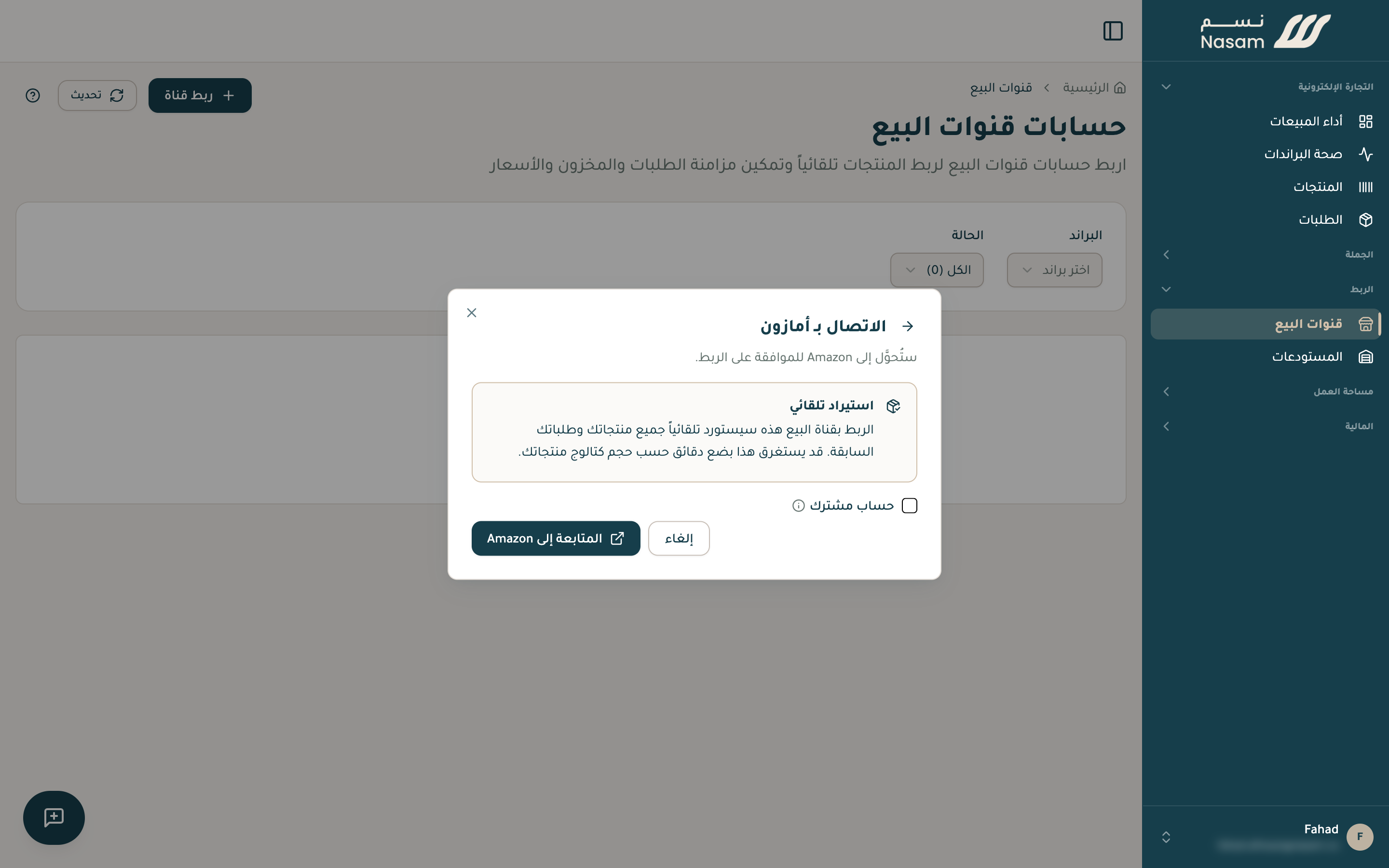
- On the «Sales channels» page press «Connect channel» and choose Amazon.
- Press «Continue to Amazon», and you move to Seller Central. Sign in with the account that owns your listings.
- Approve the permissions request, and you return to the Nasam platform with the account connected.
After connecting
- Your products import first, ready within minutes.
- Then your order history, which can take up to an hour depending on its size.
- New orders arrive automatically the moment they happen.
FBA stock (what Amazon stores in its warehouses and ships for you) is followed directly from Amazon, read-only, since Amazon manages it.
Ship your Amazon orders from your own warehouse (FBM)? Reach out and we set it up with you.
Your next step
- The SKU rule: make sure your Amazon codes match your Salla codes exactly.
- Inventory: what syncs and when.
Need a hand?
The Nasam team is with you, whatever the question: WhatsApp +966 55 009 0039 or general@nasam.co. And we set up your marketplace accounts with you, step by step. The consultation is free.