Amazon, Noon, Trendyol and Salla orders in one place
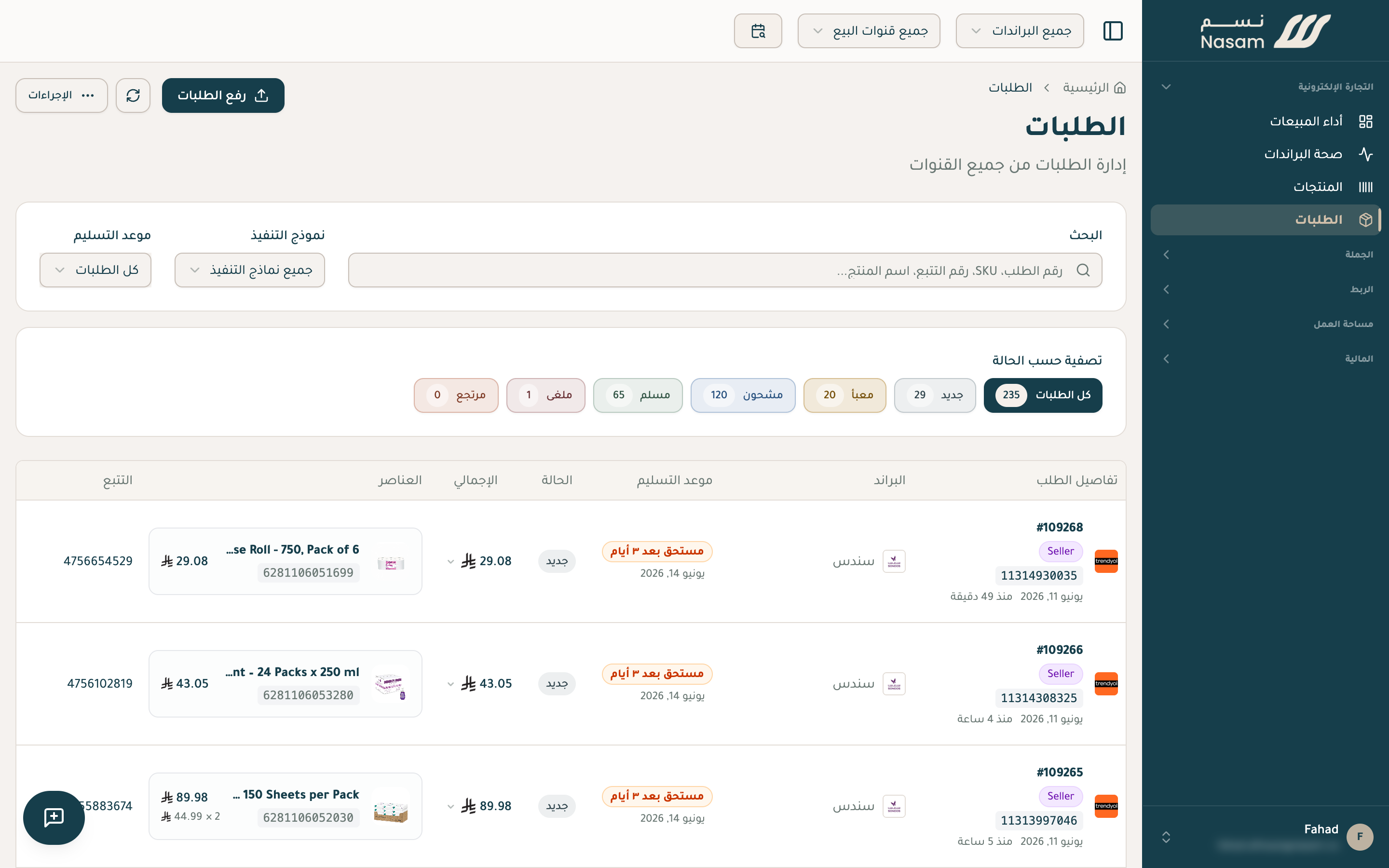
Orders
Your orders from every channel on one page: the status, the channel, and the amount. Sort by channel, status, or date, and you can import orders from a CSV file and export them whenever you want.
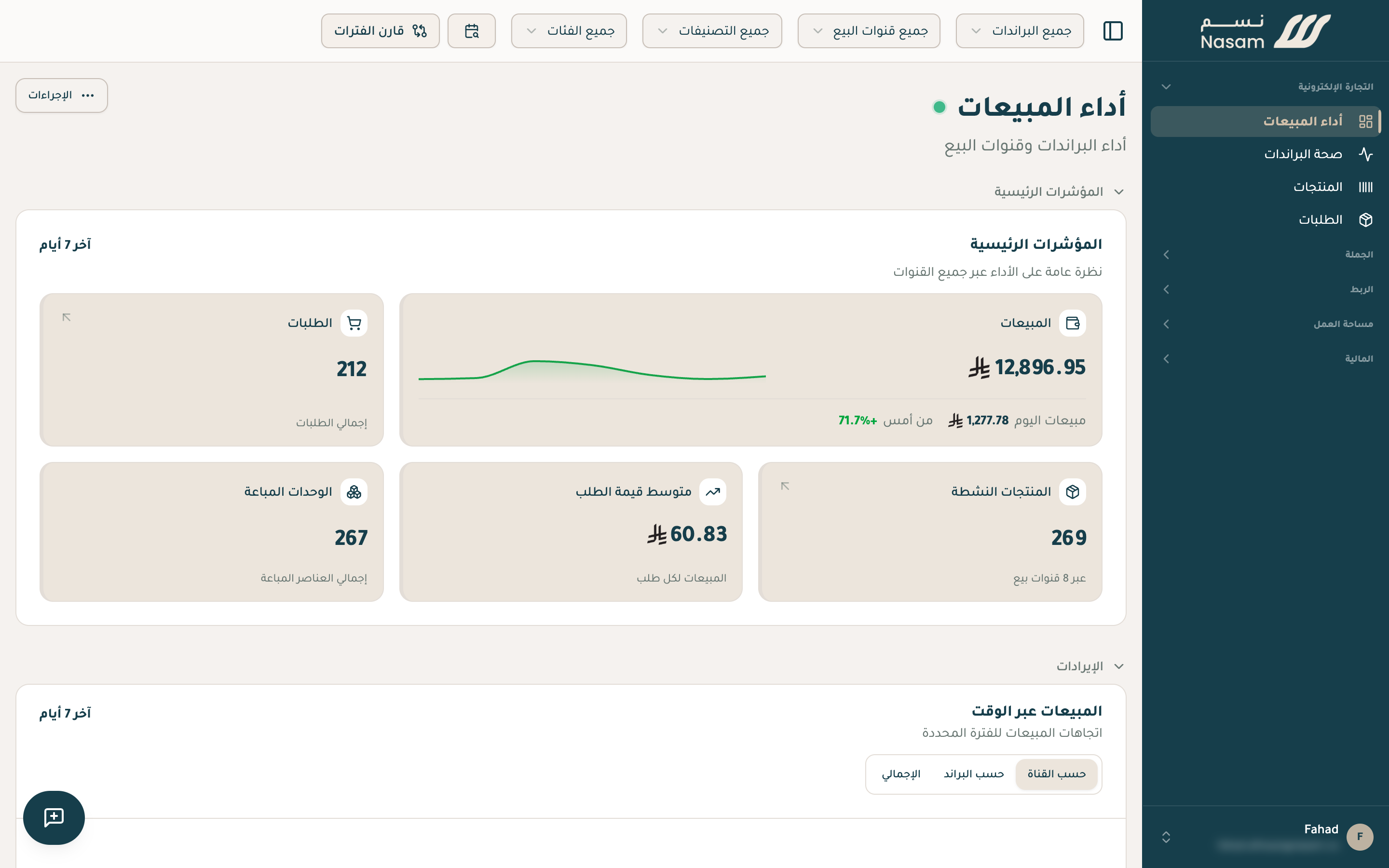
The overview
Today's sales compared to yesterday, revenue split across channels and brands, stock alerts, and your top-performing products.
Period comparison
Compare any two periods: this month against the last, or this Ramadan against last Ramadan. And see which products and channels are growing and which are slipping.
Excel export
Request the export and keep working. The file shows in the corner of the screen when it's ready, and you'll find it under Data → Exports with every file you've exported from any page; it's emailed to you too. Each file stays downloadable for 7 days, and if an export fails or a file expires, run it again with the same filters in one click. To start an export from the Exports page itself, use New export and pick the file: its page opens with the export dialog ready. A file past 100,000 rows holds the first 100,000 with a note saying so; narrow the filters to export the rest.
The Nasam team is with you, whatever the question: WhatsApp +966 55 009 0039 or general@nasam.co. And we set up your marketplace accounts with you, step by step. The consultation is free.